AI Photo Clean
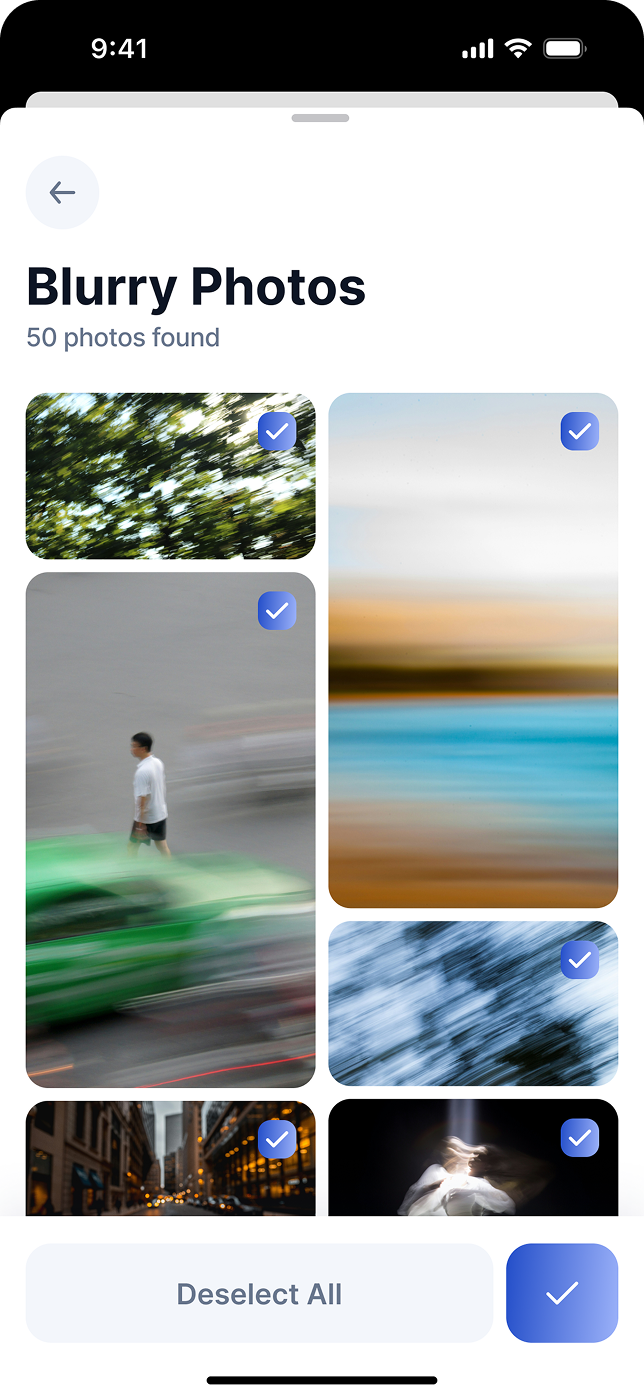
Find blurry, dark, similar, and unsuccessful photos without manually digging through your library.
 TidyBotTidyBot: AI Storage Cleaner
TidyBot finds duplicate photos, blurry shots, and calendar clutter, then helps you remove what you do not need or compress the memories you want to keep.
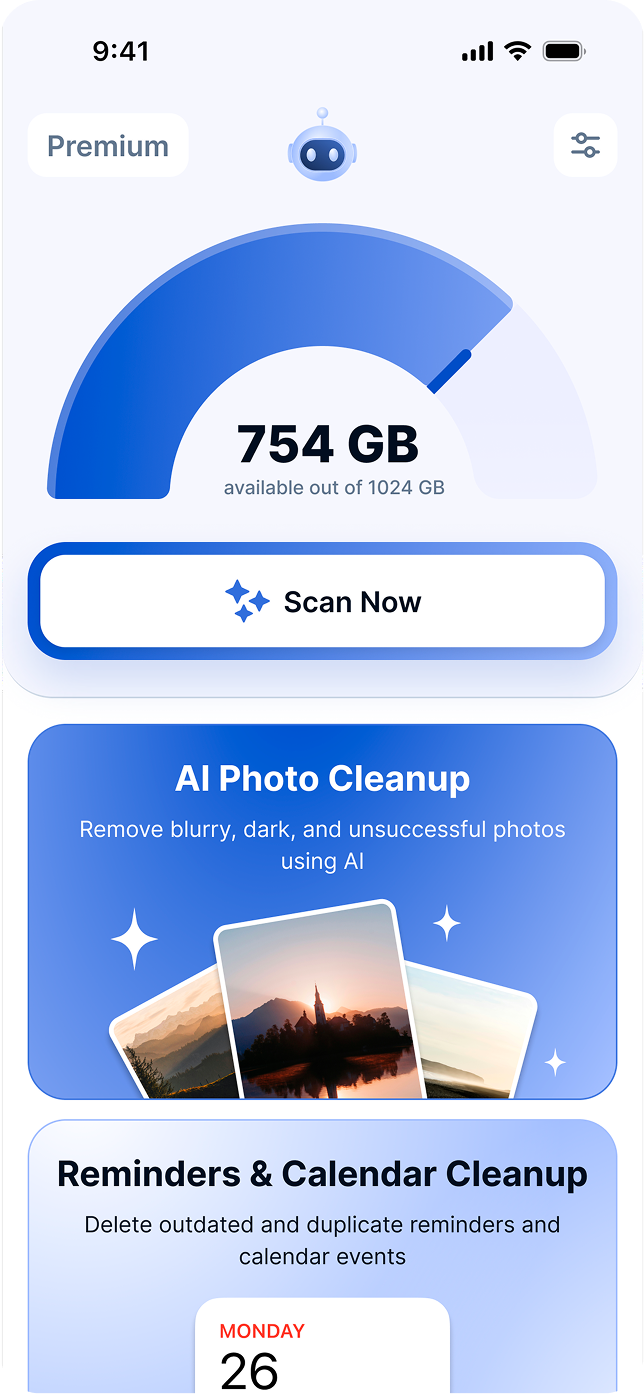
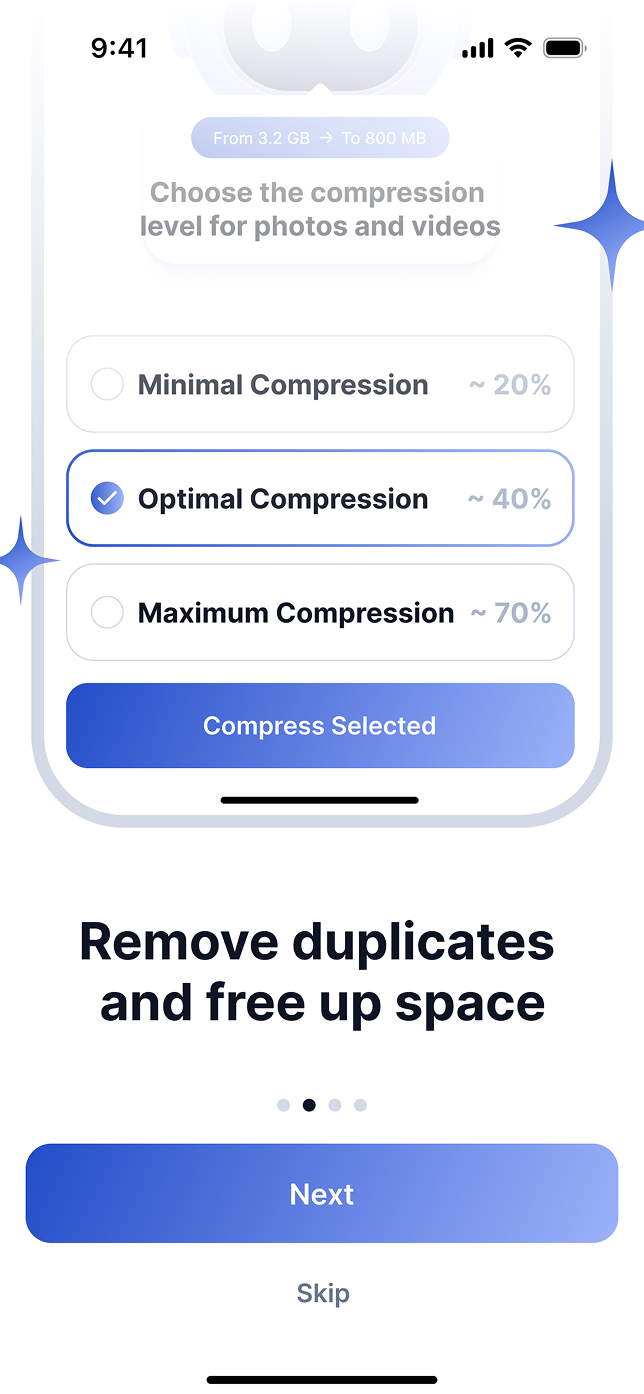
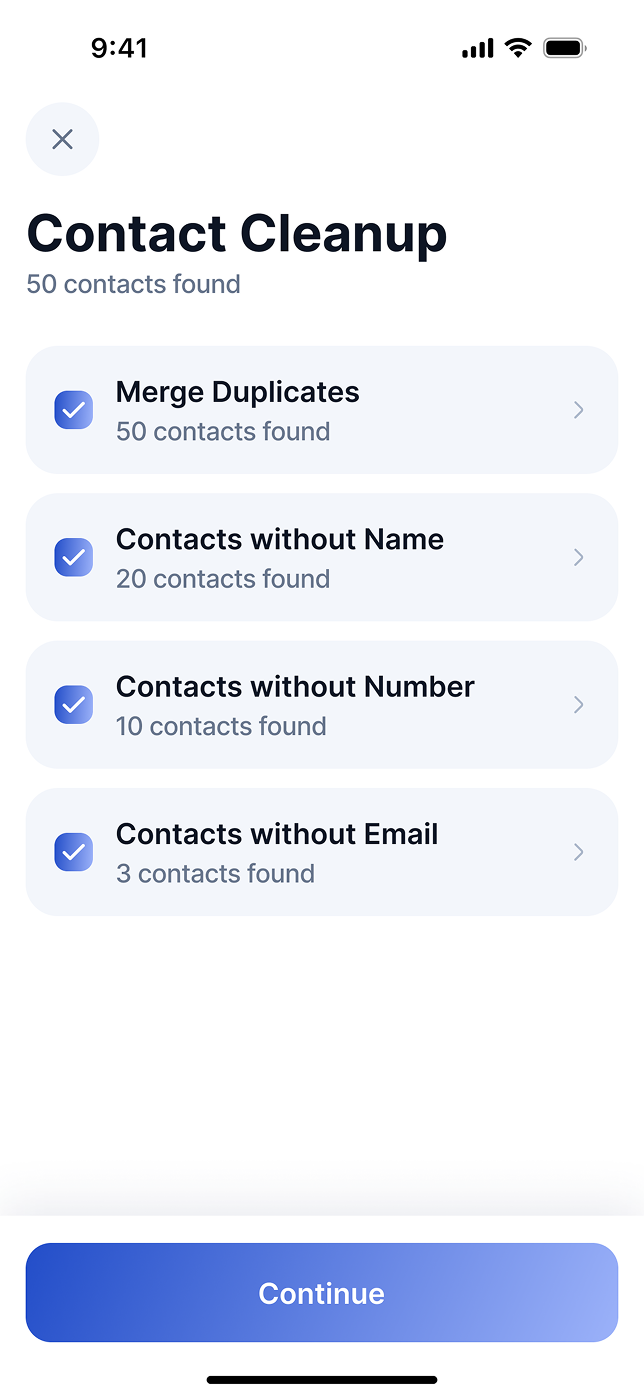
Clean photos, videos, screenshots, contacts, calendar events, and reminders—or compress media you want to keep.
Find blurry, dark, similar, and unsuccessful photos without manually digging through your library.
Group similar photos, videos, and screenshots so each decision takes seconds.
Swipe left to remove, right to keep. Fast, natural, and easy to review.
Keep private photos and videos in a protected space with PIN and Face ID.
Clear old events, completed reminders, and repeated clutter in one focused review.
Reduce space without deleting your favorite memories.
From scan to cleanup, the flow stays fast, visual, and easy to undo in your head before you act.
TidyBot groups duplicate photos, blurry shots, large videos, completed reminders, and old calendar clutter.
Each category becomes a focused queue, so you can keep the right memories and remove the obvious noise.
The final decision stays with you. Nothing important disappears behind a blind one-tap cleanup.
TidyBot highlights what you probably no longer need, then lets you decide what stays before anything is removed.


 Fast category-based review instead of endless gallery scrolling.
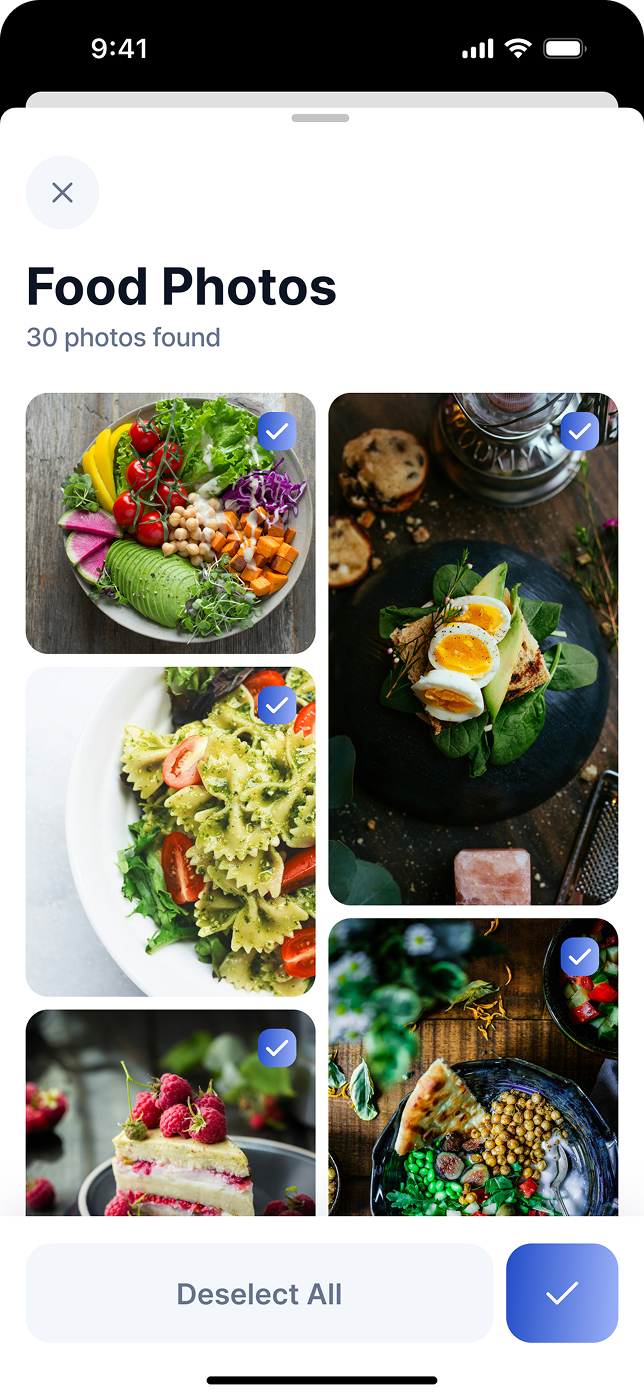
Feature overview, blurry photo review, and contact cleanup are shown with real TidyBot screens, framed to feel close to the App Store experience.
Read cleanup tips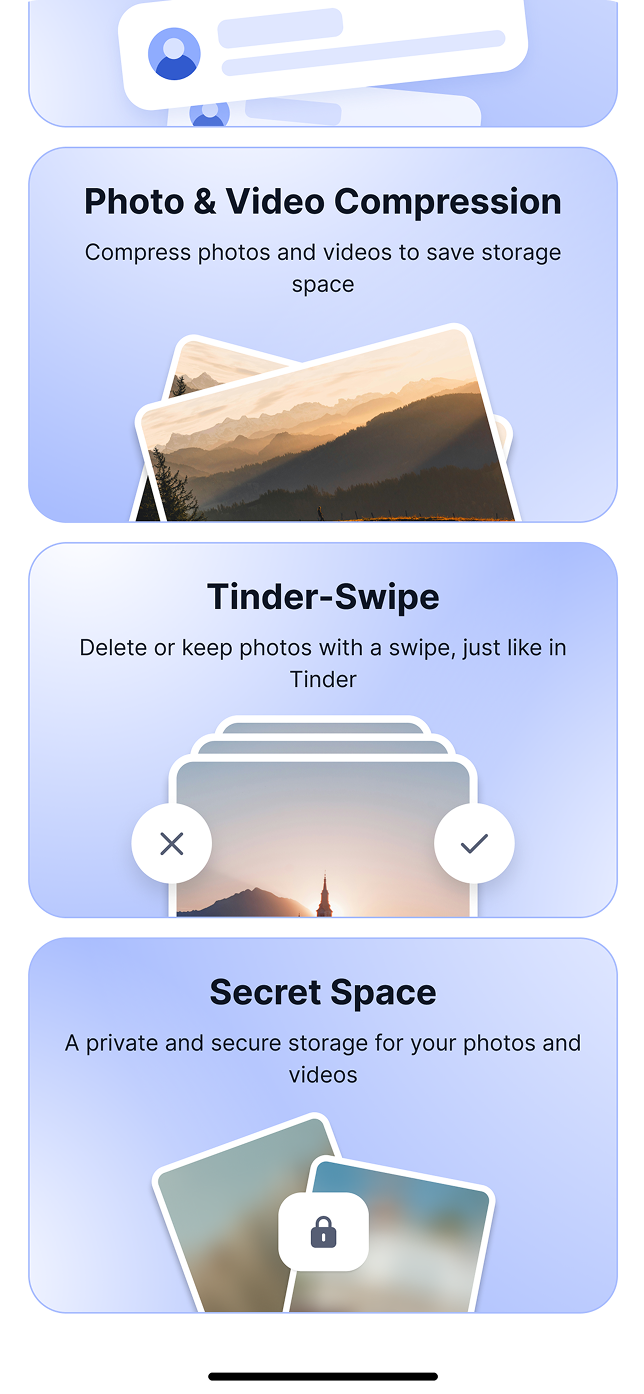
Short product-led articles for storage cleanup, privacy, and smarter iPhone habits.

A practical guide to reviewing blurry shots, duplicates, screenshots, and large videos without losing the photos that matter.
July 8, 2026 · 8 min read
What to review first when storage is almost full and you need space back quickly, without turning cleanup into a weekend project.
July 6, 2026 · 7 min read
What to look for when an app needs access to your personal photo library, and how to keep cleanup decisions under your control.
July 3, 2026 · 7 min readClear permissions and review-first cleanup before anything is removed.
PIN, Face ID, and protected flows for sensitive media.
A focused product experience without noisy interruptions.
Gestures, layout, and rhythm designed around iOS.
Short, human proof points for a product that handles personal storage with restraint.

“The swipe review made cleanup feel controlled instead of scary. I cleared videos and old screenshots in one sitting.”
Maya L.TidyBot user
“It found the boring duplicates fast, but still let me decide what mattered. That balance is why I kept using it.”
Daniel K.TidyBot user
“The Secret Space and clear review flow make it feel more thoughtful than the usual cleaner apps.”
Ira S.TidyBot userClear expectations before someone gives a cleaner app access to personal data.
No. TidyBot helps you find cleanup candidates and review them before you remove anything.
Photos, videos, screenshots, duplicate media, duplicate contacts, old reminders, and calendar clutter. It can also compress photos and videos to reclaim space without deleting them.
TidyBot is free to download. Advanced cleanup features unlock with an optional premium subscription or a one-time lifetime purchase, billed by Apple.
TidyBot is built for iPhone (iOS 18.6 or newer) and is also available on Apple Silicon Macs and Apple Vision, in 13 languages.
A focused contact path for support questions, App Store issues, partnership requests, and privacy inquiries.